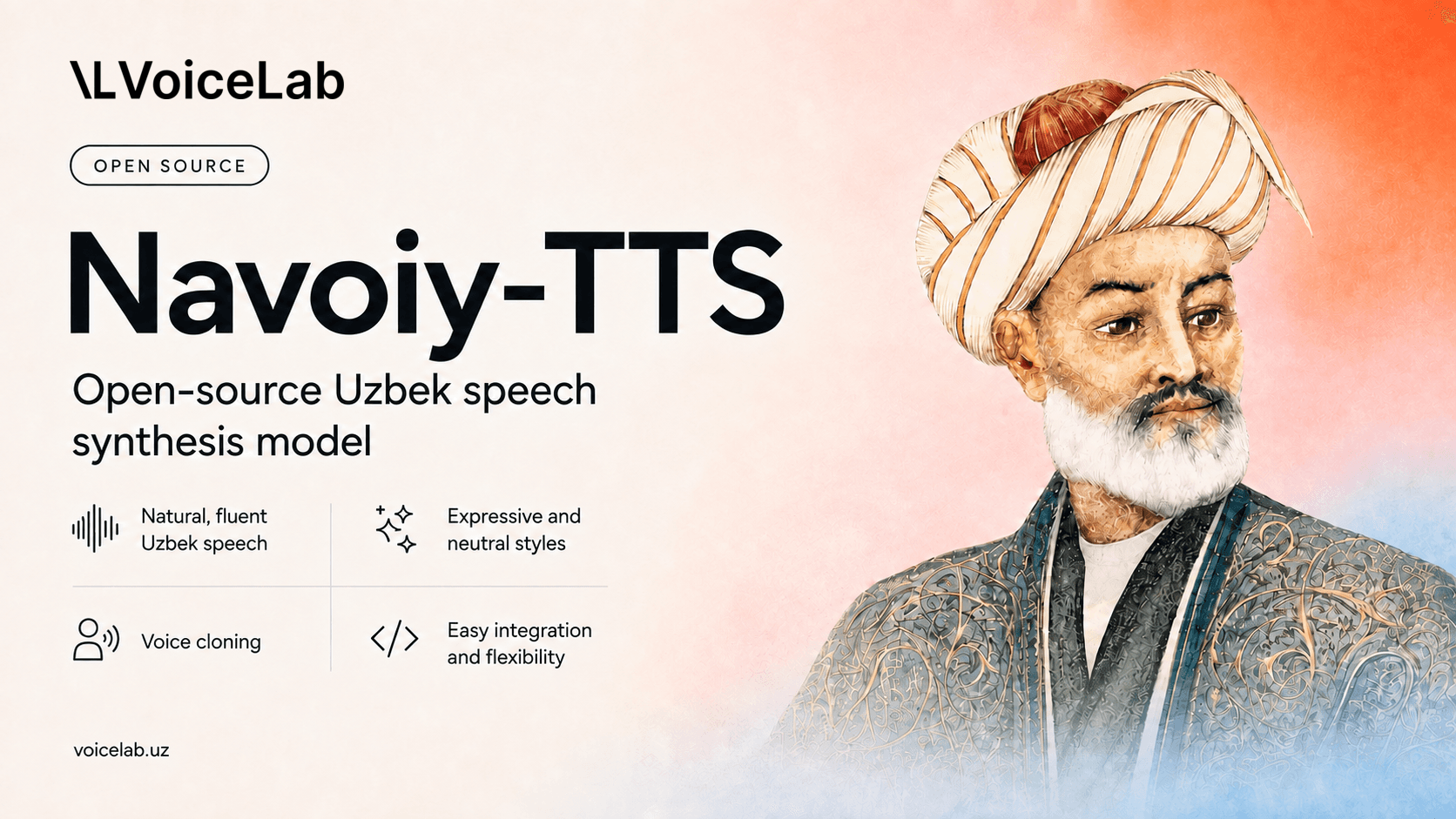
Today, we decided to release Navoiy TTS as open source. We started with CosyVoice2-0.5B, put it on a GPU, and cooked it with enough Uzbek audio ingredients. The result is a text-to-speech model that can speak Uzbek well.
The model turns Uzbek text into neutral or expressive speech. It also includes a normalization utility that prepares numbers, dates, times, apostrophes, and Uzbek Cyrillic text for synthesis.
Nothing is perfect, and this model has limitations of its own. It all comes down to the ingredients: the data. More high-quality ingredients make for a better result.
Why did we open the model to everyone?
Everyday speech is made up of more than simple words. With that in mind, the model was prepared to:
- read numbers, dates, and times well;
- pronounce names and place names correctly;
- understand both Latin and Cyrillic scripts;
- speak with natural pauses;
- support different speaking styles;
- pronounce Russian and English words within a sentence.
We also tried to account for other cases you may encounter and solve the difficult tasks that come with them.
The easiest way to thank us is to share the project with your friends. We will be delighted if the model proves useful in your project.
We are glad to see you using our models. Thank you for using our speech-to-text and text-to-speech models.
How do I use it?
Follow these steps to install, configure, and run the model. The checkpoint does not work on its own: you also need the upstream CosyVoice code and the CosyVoice2-0.5B base model.
1. Install CosyVoice first
git clone --recursive https://github.com/FunAudioLLM/CosyVoice.git
cd CosyVoice
git checkout 074ca6dc9e80a2f424f1f74b48bdd7d3fea531cc
git submodule update --init --recursive
pip install -r requirements.txt
cd ..
2. Download Navoiy TTS
git clone https://huggingface.co/aisha-org/navoiy-tts
pip install -r navoiy-tts/requirements.txt
Download the CosyVoice2-0.5B base model using the revision specified in the model card.
3. Generate speech
python navoiy-tts/inference.py \
  --cosyvoice-dir CosyVoice \
  --base-model-dir CosyVoice/pretrained_models/CosyVoice2-0.5B \
  --checkpoint navoiy-tts/emotion_600h_joint.pt \
  --reference reference.wav \
  --text "Bugun siz bilan muhim bir xabarni baham ko'rmoqchiman." \
  --emotion warm \
  --output output.wav
The script requires CUDA compute and generates 24 kHz audio. Use --list-emotions to see every available emotion.
Emotions
The model supports calm, happy, sad, angry, nervous, surprised, whisper, warm, tired, and sarcastic emotions.
These settings do not guarantee a particular result. The final voice depends on the text, reference audio, model checkpoint, and random seed. We recommend testing the system with your own scripts before deploying it to production.
Normalization
Numbers and dates can be difficult for a text-to-speech model to pronounce. Navoiy TTS also provides a normalization module:
from uztts.normalize import normalize

print(normalize('Bugun 16.07.2026, soat 14:30 da uchrashamiz.'))
It converts Cyrillic text to Latin, standardizes apostrophes, and normalizes common numbers, dates, times, ordinal numbers, and other cases.
Limitations
The model may mispronounce names, loanwords, abbreviations, and unusual numbers. It may also repeat, omit, or change words. We have not yet fully evaluated dialects or text written in multiple languages.
Before cloning a voice, obtain the voice owner’s explicit consent. Do not use the model for impersonation, deception, fraud, harassment, or bypassing voice authentication systems. Disclose that a voice is synthetic wherever listeners might otherwise believe it belongs to a real person.
Conclusion
Navoiy TTS does not promise perfect output for every sentence. It is an open foundation that developers and researchers can test, improve, and use to build new products.
Explore the model on Hugging Face, listen to the demos, and share your experience.