

Customer support
Patient · reassuring · clear
Create AI voiceovers in 33 languages, turn audio into text, and try voice agents with VoiceLab. Test a short speech demo in your browser.









Write a script, choose a voice and language, then listen and download the audio.
Try the toolTry a live voice conversation, or explore example workflows for support, sales, bookings, and surveys.
Create, edit, and generate natural speech
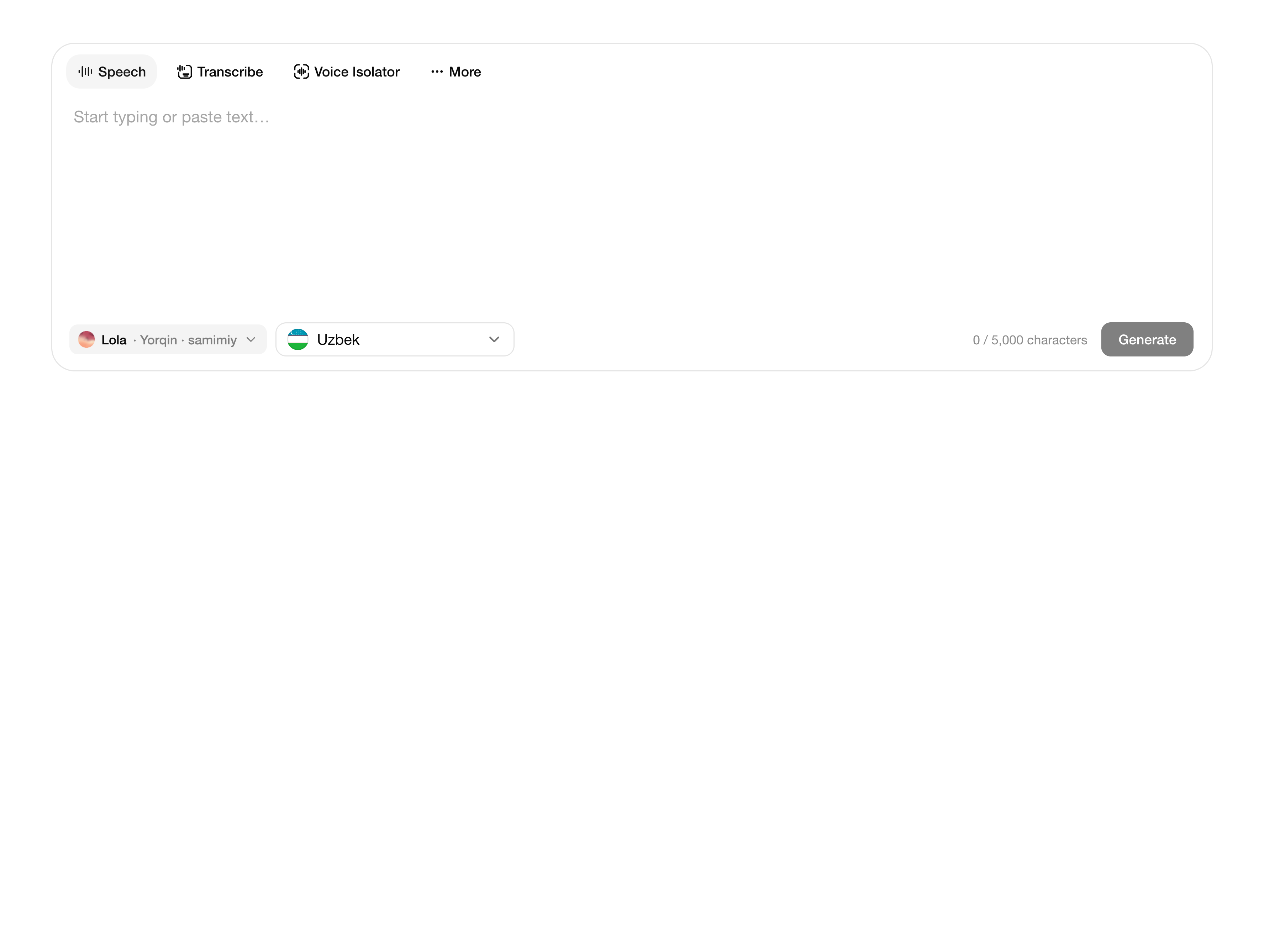
Create, edit, and generate natural speech
Hold one shortcut, speak, and VoiceLab types into the app you're using.
macOS · LinuxWindows (Coming soon)
Speech and language models for your product. Start with a few lines of code.
View pricing// npm install @voicelab/sdk
import { writeFile } from "node:fs/promises";
import { VoiceLab } from "@voicelab/sdk";
const voiceLab = new VoiceLab({
apiKey: process.env.VOICELAB_API_KEY!,
});
const speech = await voiceLab.tts.synthesize({
text: "Assalomu alaykum!",
language: "uz",
voiceId: process.env.VOICELAB_VOICE_ID!,
});
await writeFile("speech.wav", new Uint8Array(speech.audio));Choose a voice for the moment, from helpful support to cinematic narration.
Patient · reassuring · clear

Immersive · nuanced · warm

Expressive · memorable · dynamic
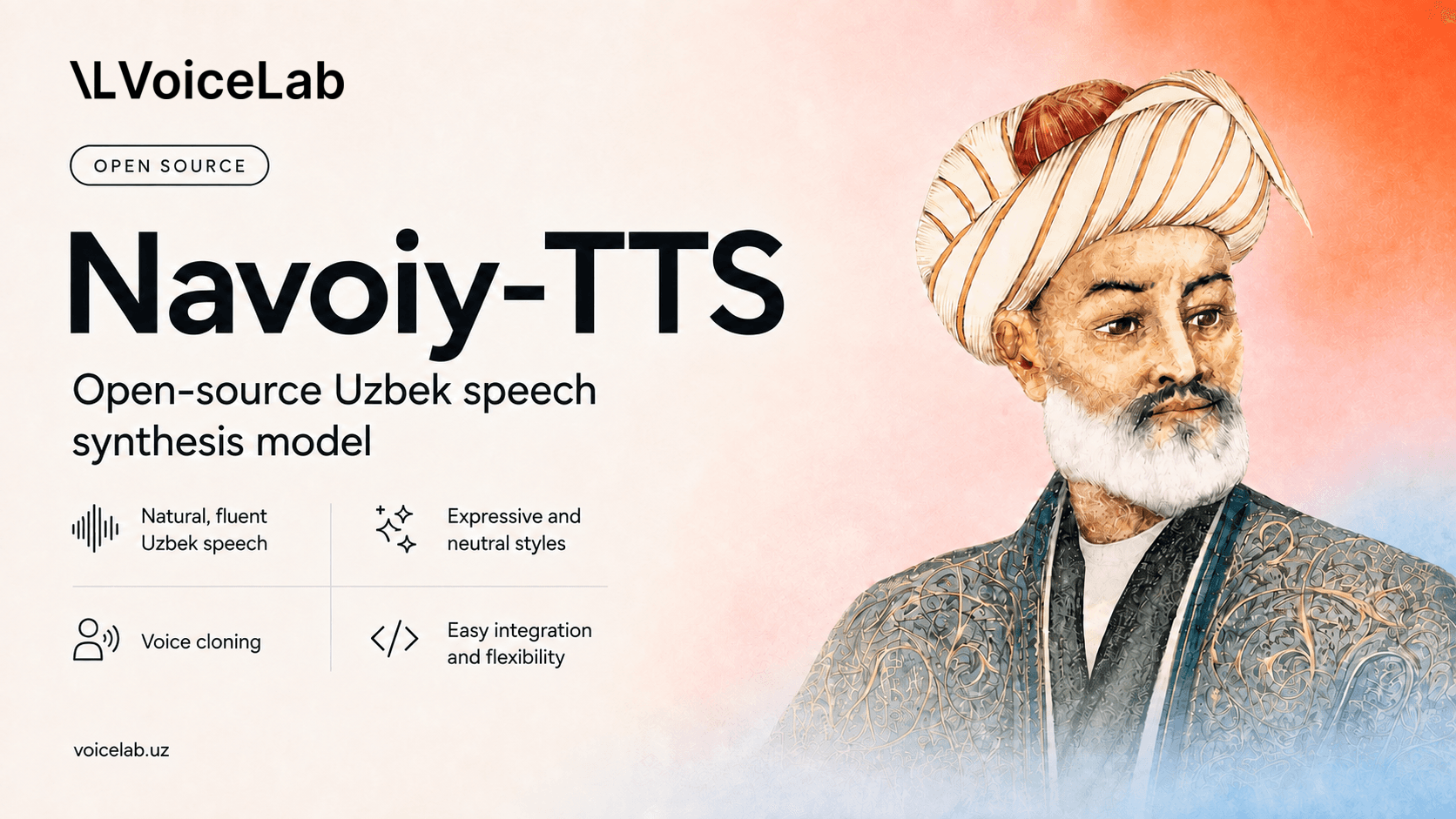
Navoiy TTS is an open-source Uzbek text-to-speech model for neutral and expressive speech.
The text-to-speech preview includes Uzbek, English, Russian, and other languages in its language menu. The speech-to-text demo on this page transcribes Uzbek audio.
VoiceLab puts text-to-speech, speech-to-text, and voice agents in one workspace.
Yes. Voices are grouped by character and intended use to make choosing faster.
Yes. Edit the script and see the character limit before generating audio.
Yes. Record in your browser or upload audio, then get a transcript.
Yes. Open the Agents tab to try the support-agent preview in voice mode.
Your text